Zeqenimorix Capabilities at a Glance
A detailed look at what the Zeqenimorix information-organisation environment provides — the tools available, how each capability works in context, and what you can expect from the service interface.
Tools designed for working with structured information
Zeqenimorix is built around a set of complementary capabilities that each address a different aspect of the information-organisation challenge. Rather than offering a single catch-all feature, the service provides distinct tools for classification, arrangement, review, and navigation — each designed to work well independently and to reinforce the others when used together.
This page explains each capability in plain language, describing what it does, what it is suited to, and where its limits lie. Understanding the service accurately is as important as understanding what it can do.
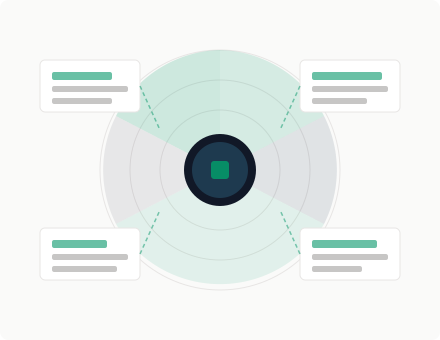
Information classification and labelling
The classification capability allows users to define category structures and apply them consistently to records within an information set. Labels can be nested, allowing for multi-level hierarchies that reflect the complexity of real-world information.
Classification does not change the underlying content of a record. It adds a layer of navigational structure that makes a large body of information easier to review section by section. Labels can be revised as the structure of the information set becomes clearer over time.
- Define custom category taxonomies appropriate to your information
- Apply labels at record, group, or section level
- Revise and restructure categories without losing existing assignments
- Review classification coverage across an entire information set
Hierarchical arrangement and record ordering
Once information has been classified, the arrangement capability provides tools for ordering and grouping records within each category. Arrangement is distinct from classification: classification assigns a label, while arrangement determines how labelled items are sequenced and grouped relative to one another.
This allows users to surface the most relevant records at the top of a category, group related items into sub-sections, and establish a presentation order that reflects the importance or chronology of the information being reviewed.
- Reorder records within categories manually or by defined criteria
- Create nested groupings within a classification level
- Pin or prioritise specific records for easier reference
- Maintain separate arrangement rules for different views of the same data
Structured review and record inspection
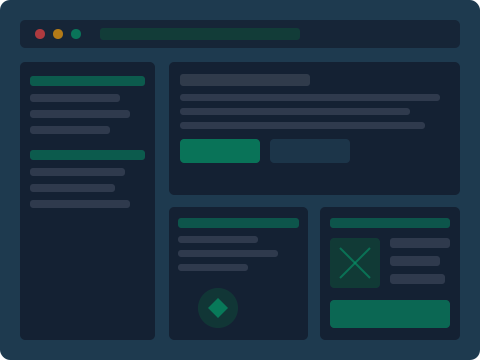
The structured review interface is where users interact most directly with the organised information. Each record or group is presented in a consistent format within the review panel, with linked metadata displayed in a supporting sidebar. This consistent presentation makes it easier to compare records within a category without needing to mentally account for presentation differences.
The review interface also provides a history of changes made to the organisation of a record — when it was classified, how its category has changed, and what arrangement decisions have been applied. This audit trail is part of the displayed information, not a separate log.
- Consistent record presentation format across all categories
- Supporting metadata and linked record sidebar
- Visible history of classification and arrangement changes
- Side-by-side comparison within a single category view
Guided access and user support
First-time access to Zeqenimorix is accompanied by guided configuration assistance. Rather than expecting users to independently discover how to set up their initial classification structure, the access process includes a structured walkthrough that helps translate an existing information set into a workable initial taxonomy.
Ongoing support is available through the enquiry channel. The Zeqenimorix team can assist with questions about how to approach specific organisation challenges, how to restructure a classification hierarchy that has grown unwieldy, or how to interpret the audit trail for a set of records.
- Structured onboarding walkthrough for initial configuration
- Guidance on translating existing information into classification categories
- Ongoing support via the dedicated enquiry channel
- Assistance with restructuring and taxonomy refinement
How access to the service is arranged
Access to Zeqenimorix capabilities follows a straightforward process. The steps below describe what happens from initial enquiry through to active use of the platform.
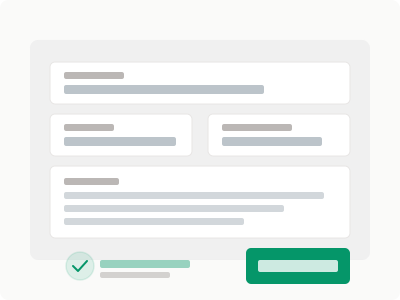
Use the enquiry form to describe your intended use and provide contact details. The team will review your submission and may ask follow-up questions before proceeding.
The team reviews each enquiry individually. If your use case is appropriate, you will receive confirmation along with initial guidance. If clarification is required, the team will be in contact directly.
Confirmed users are guided through setting up their initial classification structure. This helps ensure the service is configured in a way that reflects the actual structure of the information being organised.
Once configured, users can work with the full capability set. Support remains available through the enquiry channel for questions that arise during active use.
Submit an enquiry to discuss your intended use case. The team can provide additional detail about any of the capabilities described here and advise on whether the service is a good fit for your needs.